
Why move
Each tool read and wrote a Google Sheet through Apps Script, so every click waited a second or more, and the access rules lived in the code rather than in the data. One database for all three gives speed, access rules enforced where the data is, daily backups, and one place to keep everything the school’s data protection rules require.
The requirements
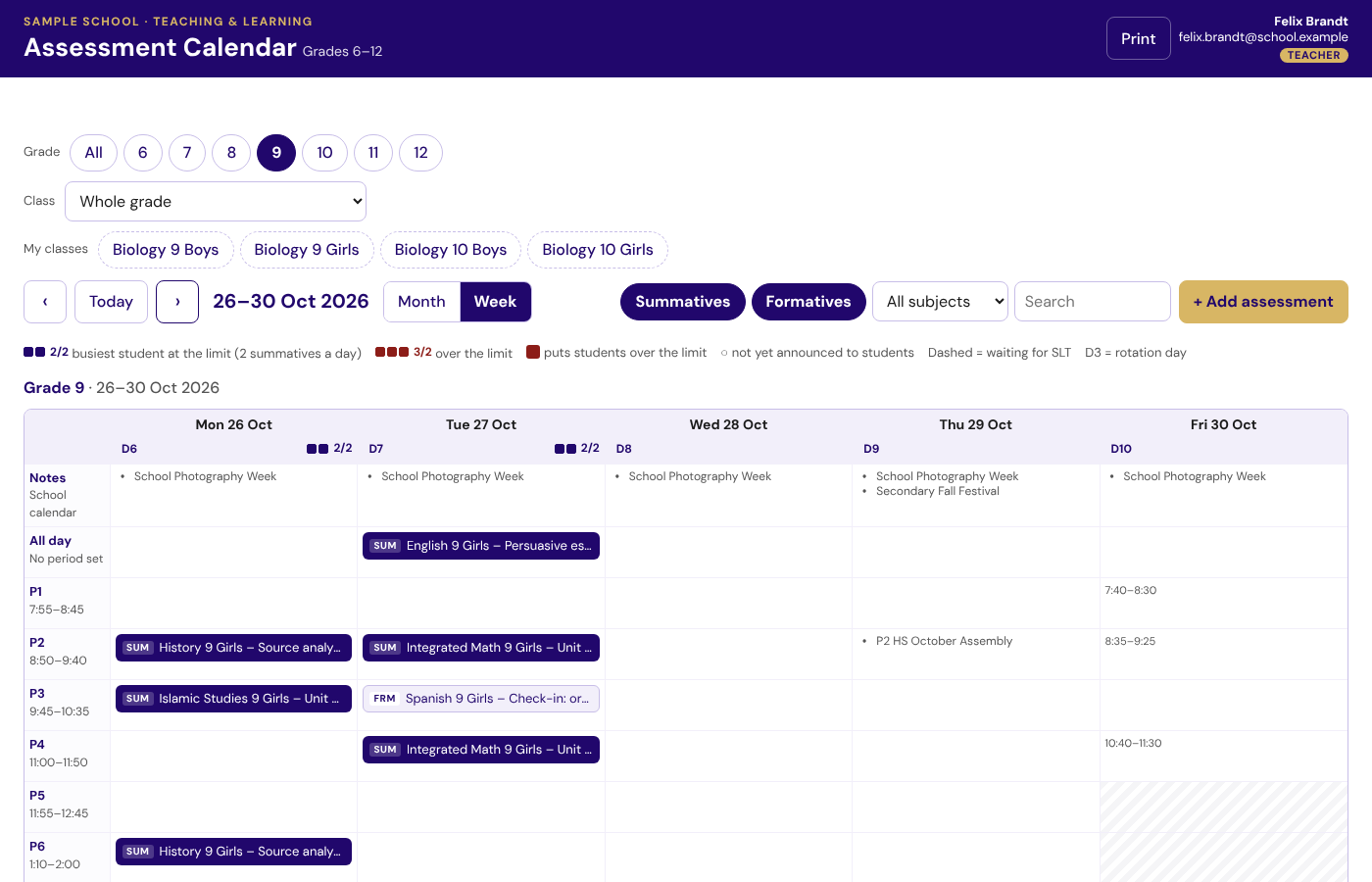
- Nothing for teachers, students or leaders to relearn: the same pages, rules and buttons.
- Every old link, bookmark and QR code keeps working.
- Google stays where it belongs: sign-in, the grade calendars and the approval emails.
Making sure the new one was right
Parity tests run each old app’s own code beside the new one on the same made-up school and check that both give the same answers. Every change runs more than 4,800 automated checks on GitHub before it is merged – who may call each database function, the server’s rules, the pages in a real browser. A security review before the switch closed the gaps it found, such as keeping no access token next to the code.
The test that mattered most: the old app and the new one, side by side, giving the same answer to the same question.
Data protection
I reviewed the move against ADEK’s School Digital Policy and the UAE’s Personal Data Protection Law: the data is backed up daily; only school accounts get in; only the data the tools already held was moved; and the code repository holds no student data and no secrets.
The switch
For each tool: copy the Sheet into the database and check the counts; point the old app at the new site (a “moved” page for anyone with an old link); keep the old app read-only until the move is settled. For the Assessment Calendar a small bridge in the old Apps Script project keeps the grade calendars and approval emails going within a minute.
Built with AI, checked by tests
I used an AI coding assistant throughout – for code, queries and documentation – and nothing it wrote reached teachers without passing the tests and my own review. Each tool has its README, and every step only a person can do (in Google Cloud or a dashboard) is written up as a prompt that can be followed exactly.